
What you get with Developmental Editing, and how to read the report.
By the Inkflaire editorial teamUpdated 6 min read
If you have never had a manuscript assessed, it is hard to picture what you are paying for. This guide goes through Inkflaire's AI-generated Developmental Editing report as it appears in the app, one part at a time, and ends with where to start revising.
How the report is organized
Inkflaire reads the whole novel before it comments on any part of it. The report then moves from the book as a whole down to single chapters, in three parts: the overall evaluation, the chapter deep dive and the section review. The structural changes also go into the revision plan, a separate page where you track the work. The first time through, it pays to take them in that order.
A note at the top of the overall evaluation reminds you that the content is AI-generated and should be reviewed before you rely on it.
Overall novel evaluation
- Plot Logic & Continuity
- Character Arc & Motivation
- Narrative Momentum
- Pacing & Scene Purpose
- Structure & Payoff
Overall diagnosisExecutive summary- P1Start here
- P2Next
- P3Then
- P4Later
Chapter Deep Dive
Novel mapOne row per aspect, one square per chapter
StrengthsWeaknessesSection Review
P1Start hereWhole bookStructural recommendationsAffected chaptersEditorial noteModifyWhy it mattersChapter notesRevision plan
Not reviewedHighMediumLowAcceptedIn progressDone
The overall evaluation
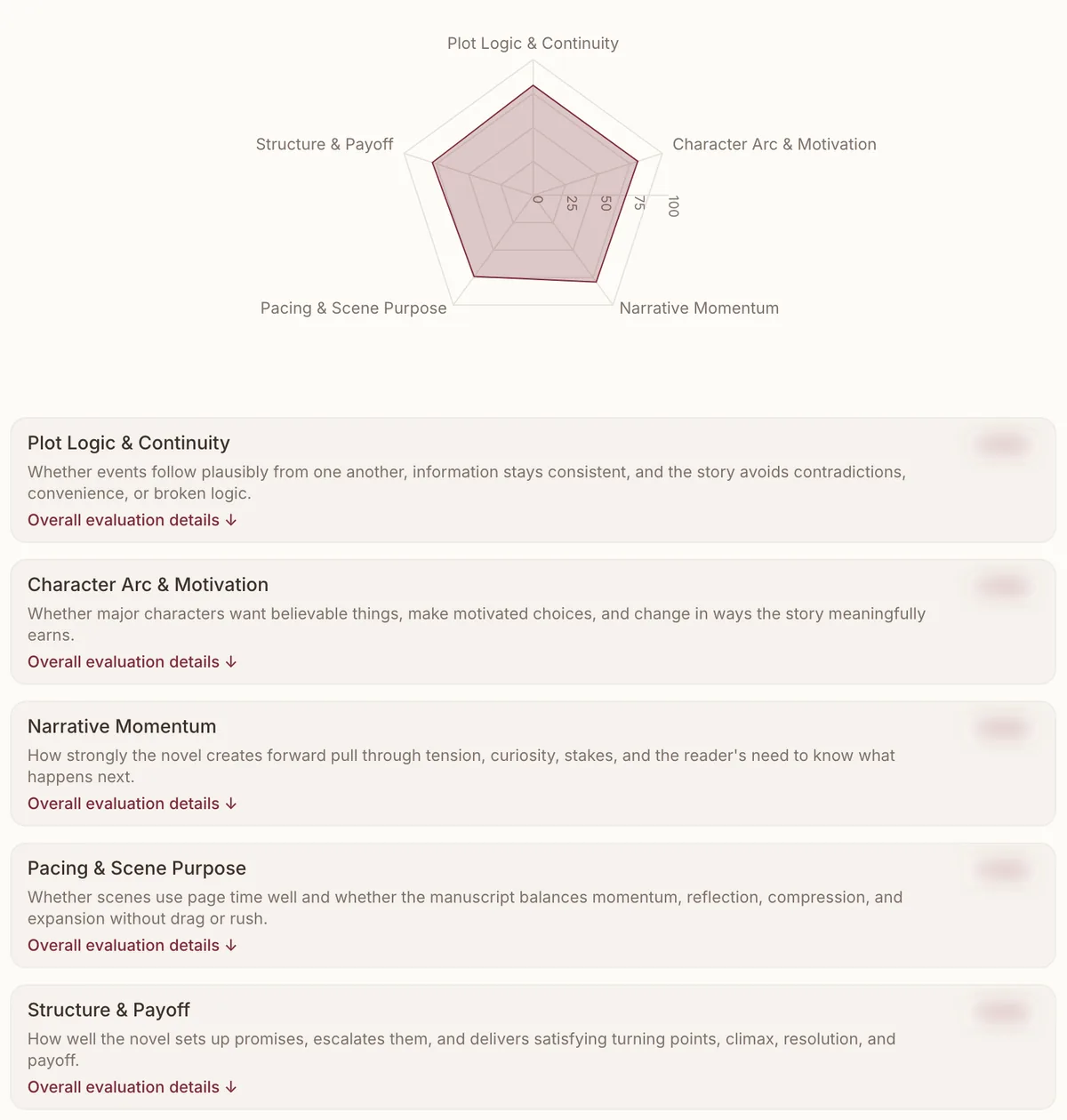
The first screen scores the book out of 100 on five aspects: Plot Logic & Continuity, Character Arc & Motivation, Narrative Momentum, Pacing & Scene Purpose, and Structure & Payoff. Each comes with a line on what it measures, and a radar chart sets them side by side, so you can see at a glance where the book holds up and where it sags.
Below the chart, a few paragraphs of diagnosis look at the novel as a whole and say what kind of revision would help most. Read them before you dwell on the numbers, since that is where the scores are explained.
The summary and the order of work
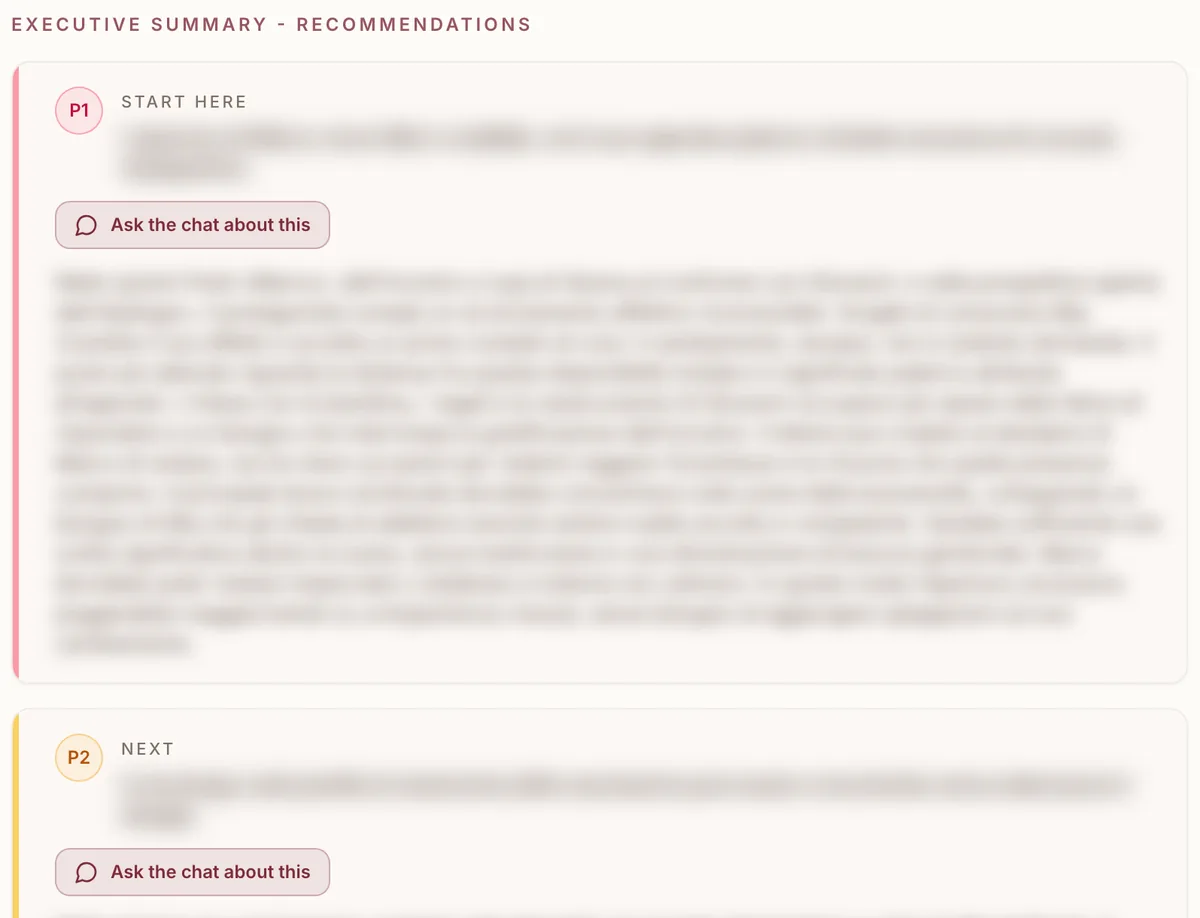
After the diagnosis comes the executive summary, usually five to seven points. The ones that call for revision carry a number and a label. P1 is Start here, P2 Next, P3 Then, and P4 onward Later. The unnumbered points at the end cover what already works, so you know what to protect while you revise.
The numbers set an order of work for your book. They do not grade how serious a problem is. Two problems of similar weight can carry different numbers, and a P1 in a manuscript that is nearly ready does not mean something is badly wrong.
Each point has a button that opens a chat about it. Chat uses your account's credits.
The chapter deep dive
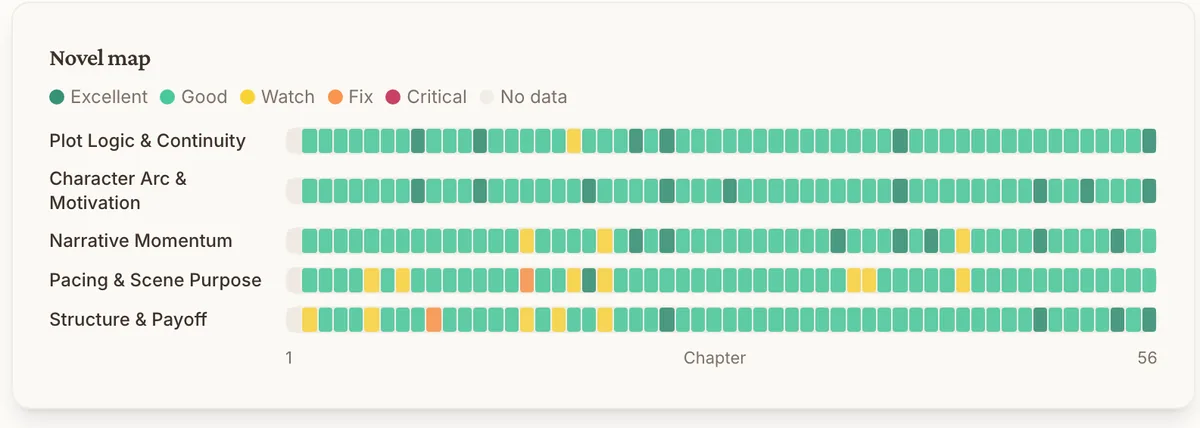
The novel map gives each aspect a row and each chapter a square, colored on a scale from Excellent to Critical. It shows where a weak stretch begins and ends. Three yellow squares in a row for pacing point to a long stretch to watch, while a single orange one marks one place to fix.
Under the map, each aspect has a short assessment with its strengths and weaknesses. Select a chapter or a stretch on the map and you get its average score and a closer reading of that part of the book.
Structural recommendations and chapter notes
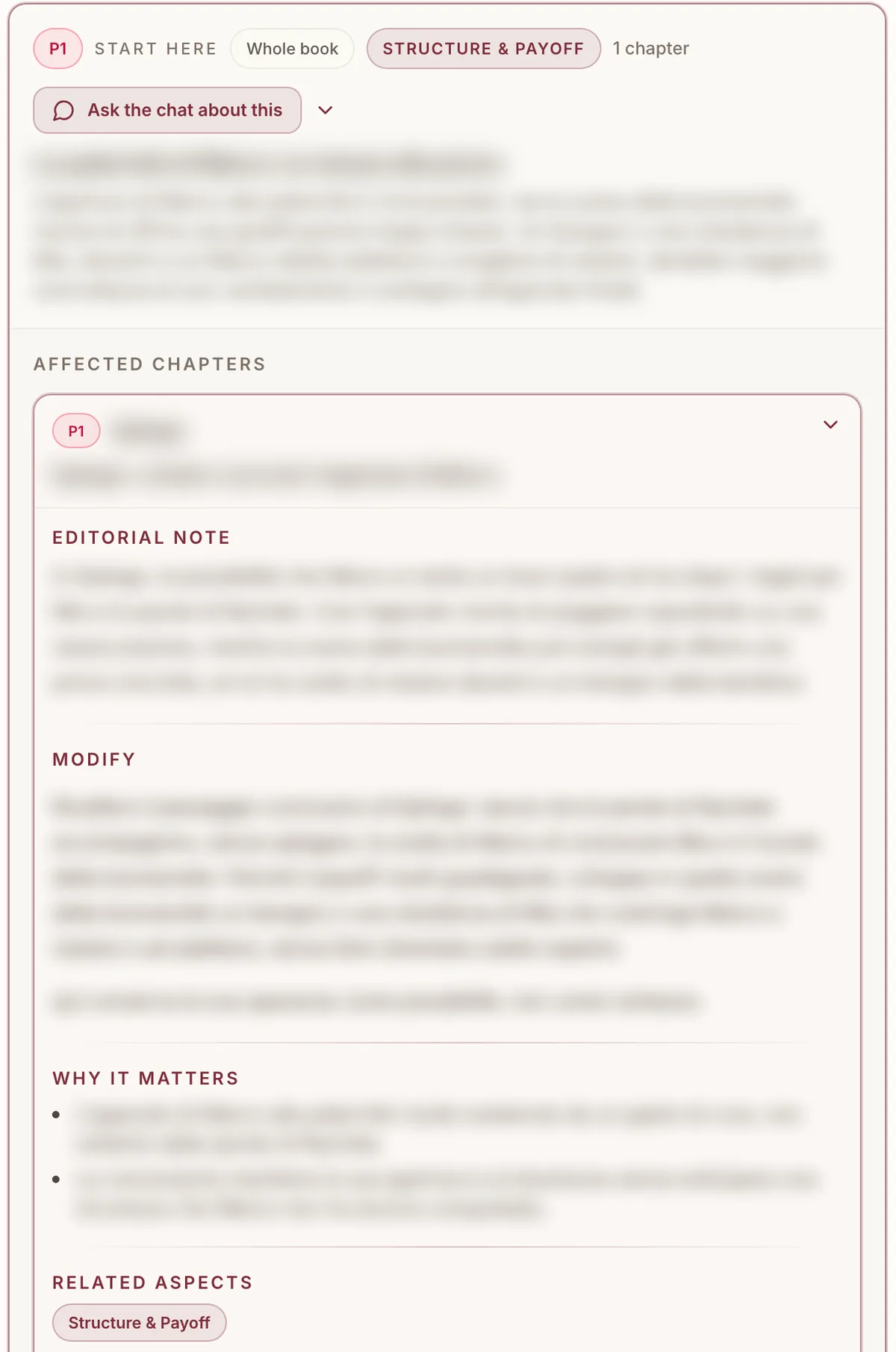
The section review is where the report gets specific. It opens with the structural recommendations, the changes that concern the architecture of the novel, usually no more than seven. Each shows its priority, the aspect it belongs to, whether it affects the whole book and how many chapters it involves.
Open a recommendation and you see the chapters it affects. For each one there is an editorial note, the proposed change, a short Why it matters and the related aspects, tied to the passages they refer to.
Below the main list come the chapter notes, smaller points that concern a single chapter and are not counted as structural changes. The Polish notes view takes you through them chapter by chapter, and you can accept each one, mark it done or reject it. They are still notes on the story, not line edits.
The revision plan
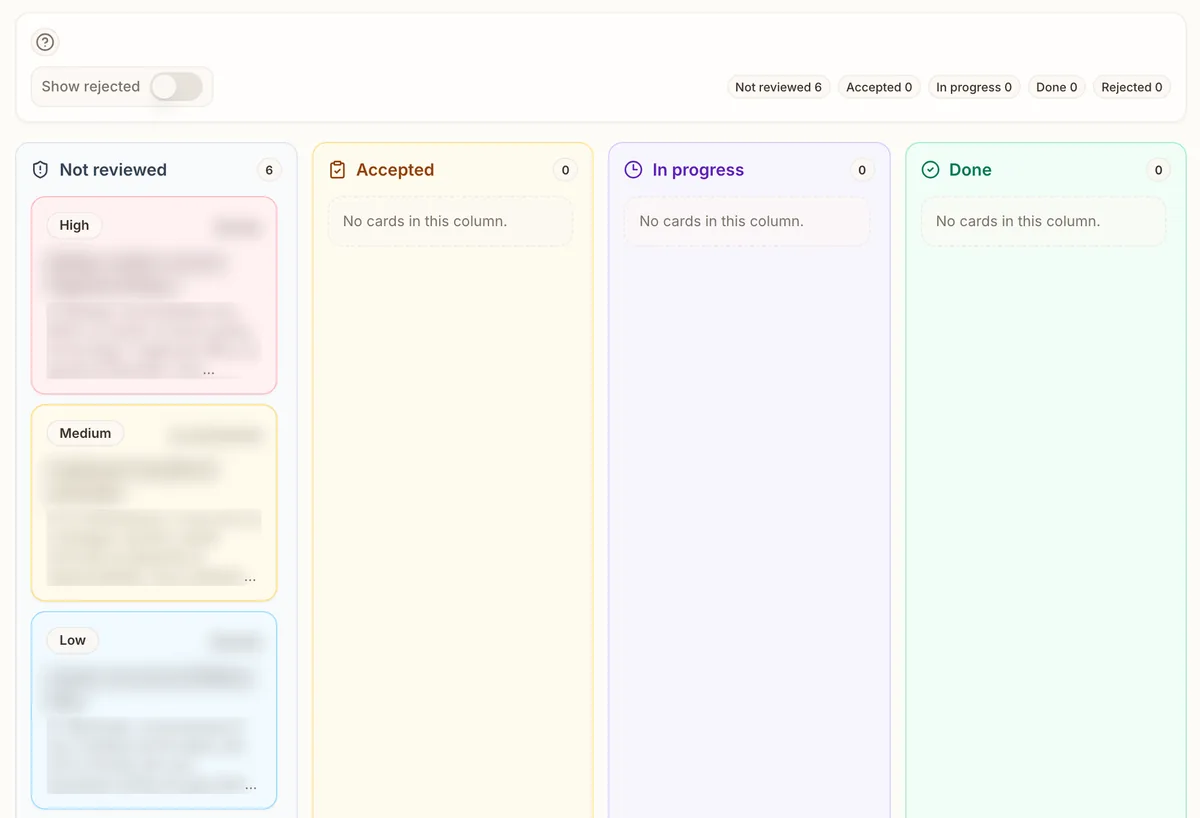
Structural changes arrive in the revision plan as cards in the Not reviewed column. Each card names its chapter and carries an importance that follows the report's priority, high for P1, medium for P2 and low for the rest. As you work, you move cards to Accepted, In progress and Done. The ones you decide not to follow go to Rejected, which stays hidden until you turn on Show rejected.
The chapter notes are listed under the columns, along with any optional questions. The plan belongs to the version of the manuscript you had evaluated, so you always know which text the cards refer to.
Where to start revising
Read the diagnosis once, straight through, without taking notes. Then go back to the summary and open P1 in the section review, where you can see which chapters it touches and what it proposes for each. Finish that before you move on to P2.
Leave the chapter notes until last. Many of them concern scenes that the structural revision may move or rewrite, and fixing those first means doing the work twice. Keep the strengths from the end of the summary close by, because they mark what to leave alone while you change the rest.
What the report does not do
The report does not rewrite your novel or change your text. It tells you what to revise and where, and the revision is yours. Sentence-level fixes that you apply or reject in the draft come with Style & Grammar, a separate service.
When a choice looks intentional, such as a planned twist or a flaw you gave a character on purpose, the report tries not to treat it as a problem. If it is unsure, it asks an optional question, for example whether a reveal lands where you want it.
It is an AI-generated report, not an editor's opinion. It does not know the market for your genre, and it will not tell you whether an agent or a publisher will take the book on. The decisions stay with you, including the decision to set a recommendation aside.
Try the report on your own manuscript
It makes sense on a complete draft, when you want to know what to work on before you polish the prose or hire an editor.
For one manuscript, the free preview of Developmental Editing shows the report's charts, the start of the overall diagnosis and its first recommendation.
- Developmental EditingFrom $24 for up to 400,000 characters (roughly 65,000 words).
Prices include VAT where applicable.
The full report is a separate purchase, priced by the length of the manuscript.
There is no subscription.
The free preview needs only a verified email.